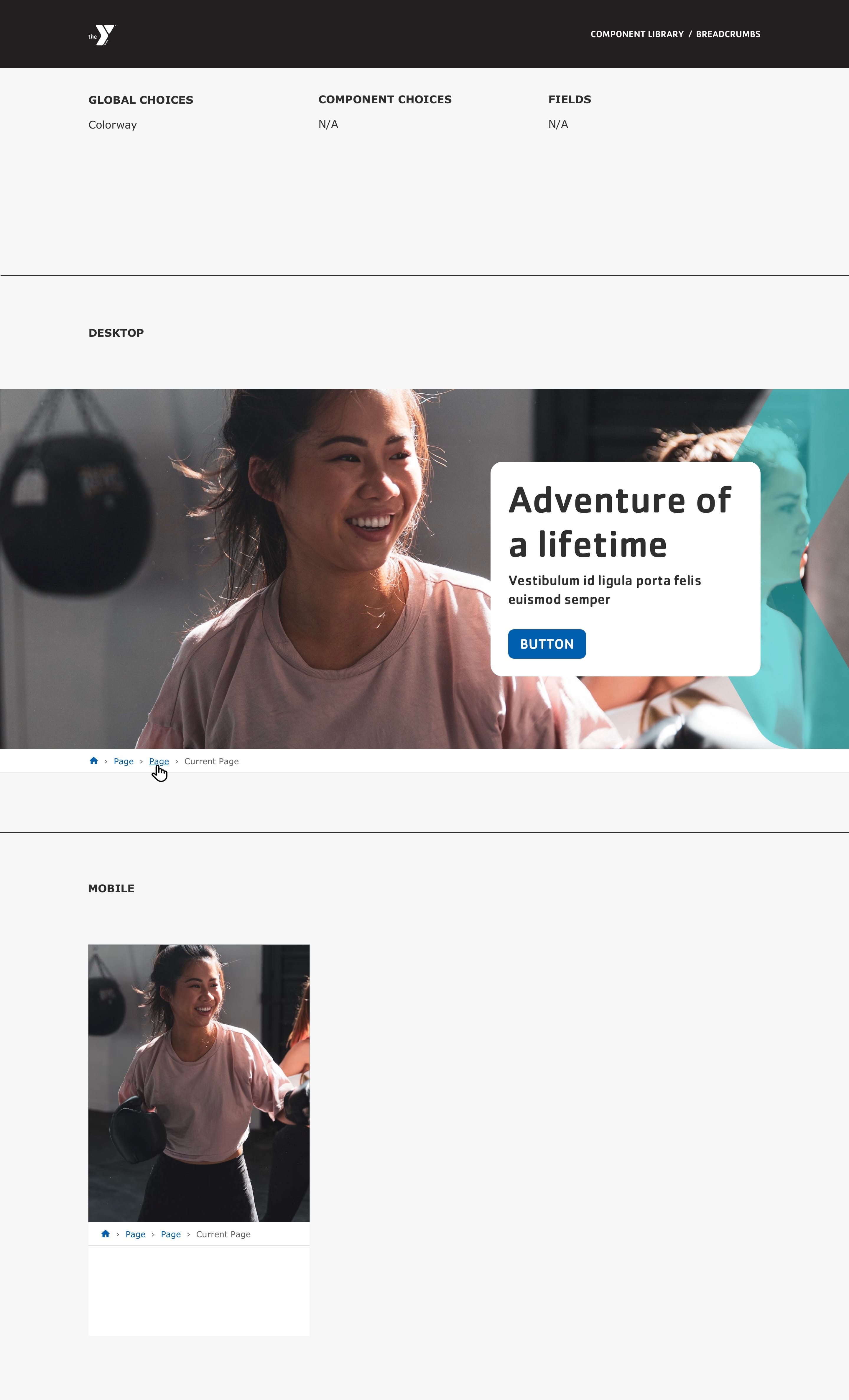
Designs:
- Design System
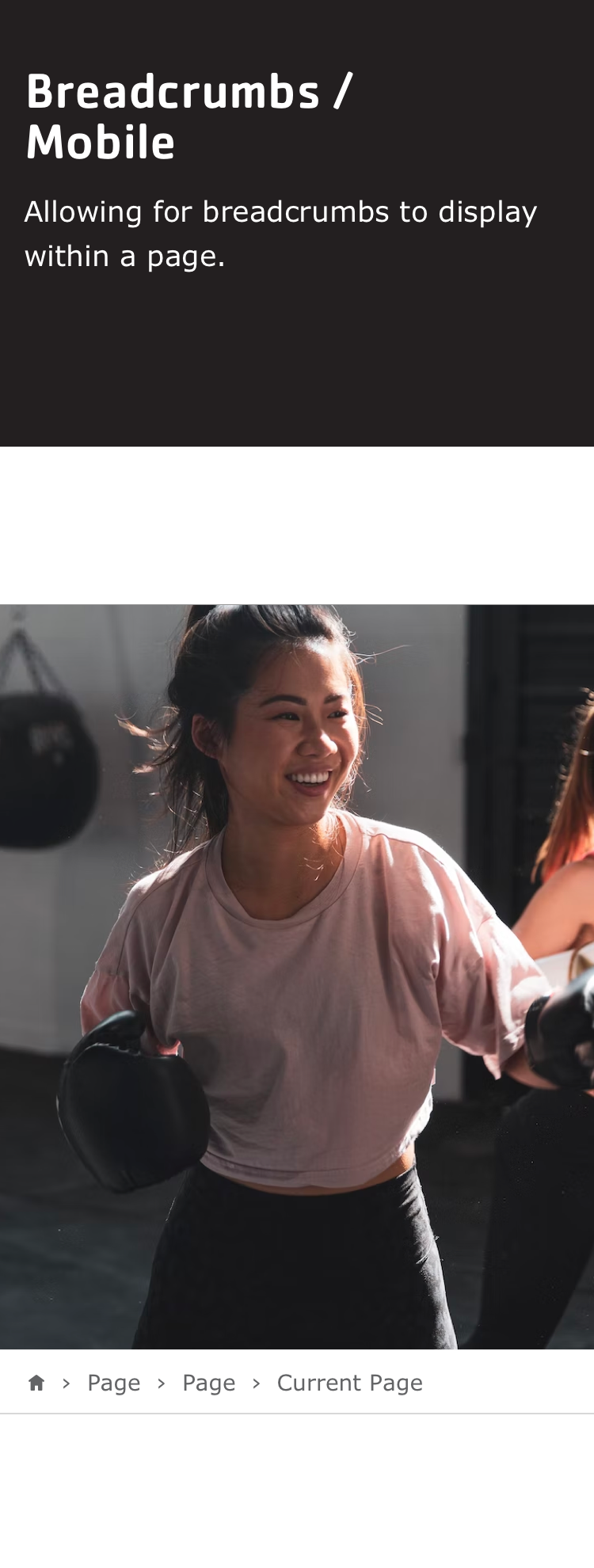
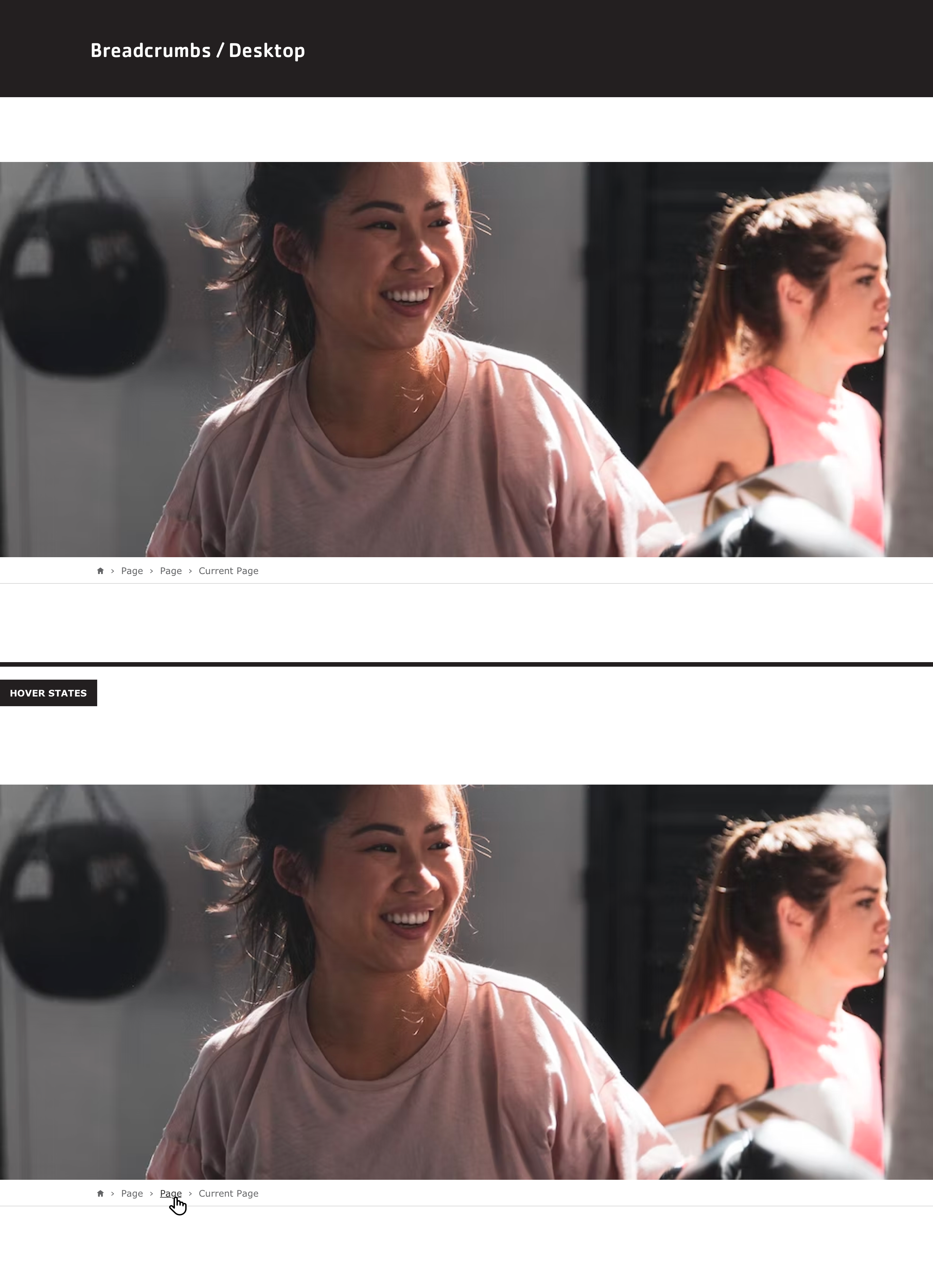
- Pre-release: Mobile | Desktop
To use Breadcrumbs:
- Click the Layout tab at the top of your page
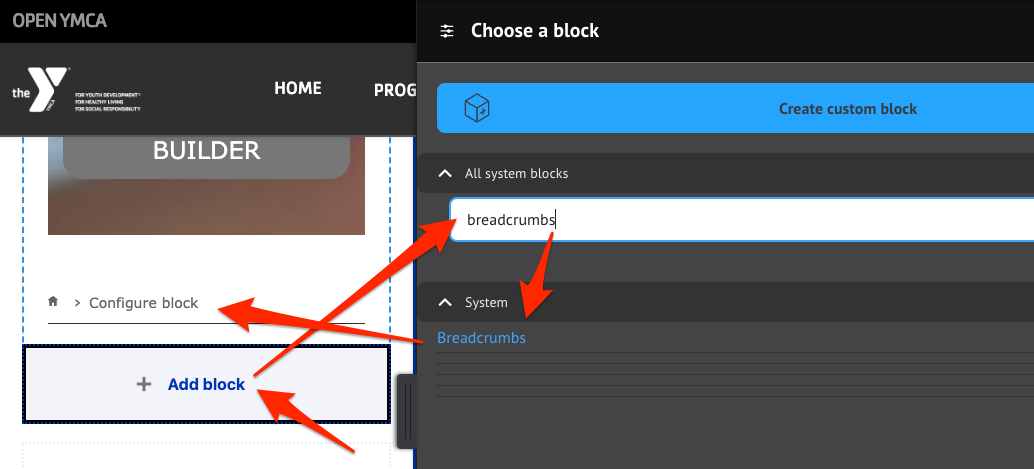
- Scroll to the location on the page where you want to add the breadcrumbs (usually the bottom of the Header section).
- Click Add block
- In the sidebar, expand All system blocks
- Search for “Breadcrumbs” or scroll to System > Breadcrumbs
- Click on Breadcrumbs
Fill in the content fields:
- Title (required): For administrative use only. Uncheck Display title.
Then save the block:
- Click Add block in the editing pane.
- Save and publish your changes.
Note:
The Breadcrumbs block may not show the correct path while editing the page layout, but it will display properly for viewers.Caching
As of the 11.3.1.0 release, breadcrumb caching has been improved. Previously, breadcrumbs were set with max-age=0, which prevented them from being cached and could negatively impact page performance. This has been fixed so that breadcrumbs are now properly cached along with the rest of the page.